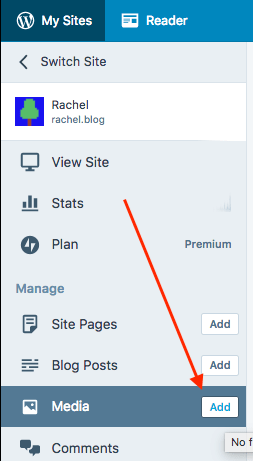
It is possible to add comments to the comment box on WordPress.com but not through drag-and-drop and the image needs to be hosted elsewhere. If you have your own WordPress.com site you can upload the image to your Media Library by clicking the Add button next to Media.
Upload your image, then select it, and click the Edit button at the top. Then click Copy.
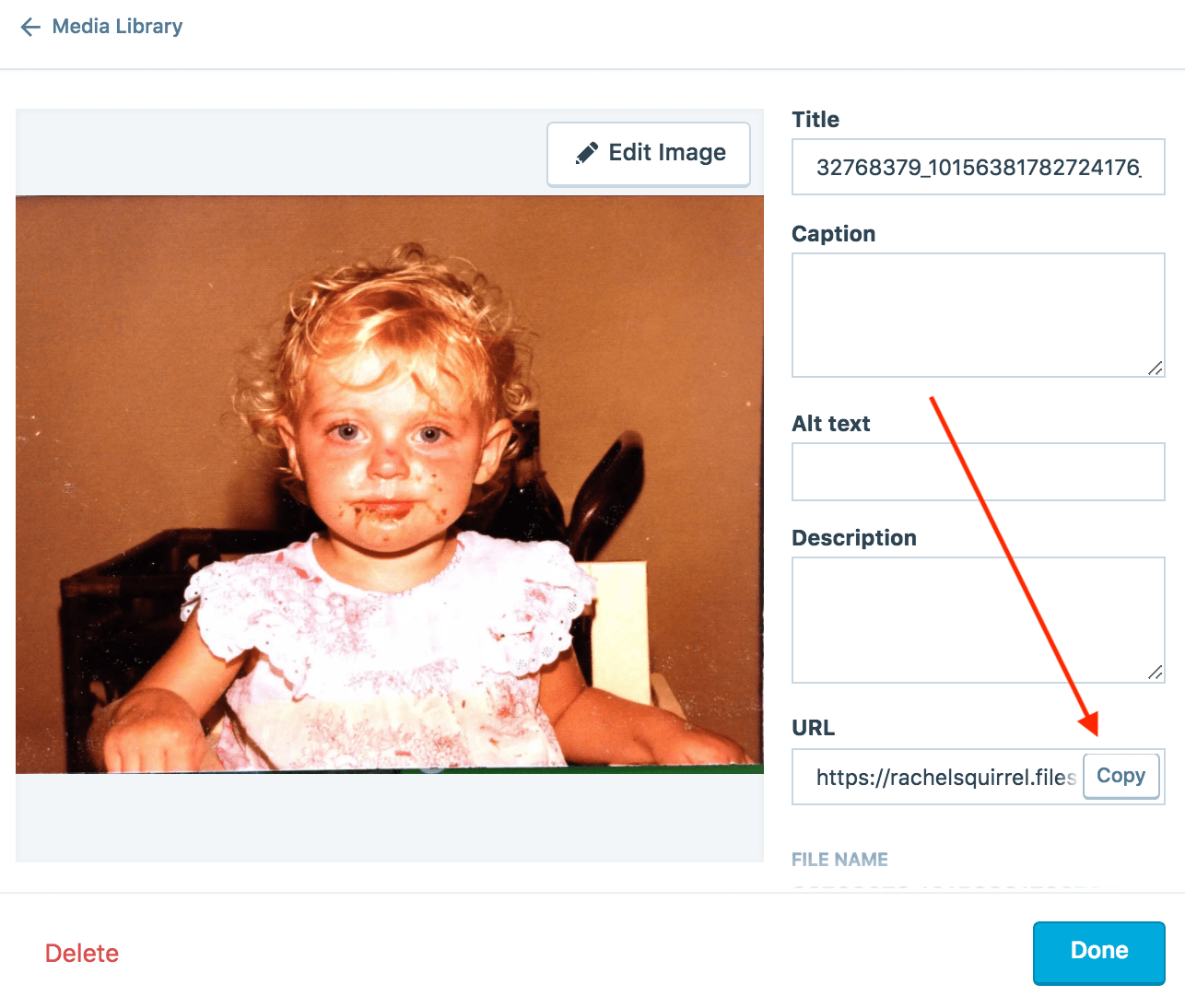
This will copy the image URL to your clipboard and all you need to do now is paste it into the comment box and hit enter. You can add text before or after the image URL but make sure you don’t add it to the same line. Click Post Comment when you’re done.

If you don’t have a WordPress.com site you can upload the image to any image sharing service like https://imgbb.com or https://droplr.com


 rachel.blog
Leave a reply to Hangaku Gozen Cancel reply